Somewhere in every lab that still runs on spreadsheets, there is a story like this: an instrument's calibration lapsed three weeks ago, nobody noticed, and it was only caught when a customer's own auditor flagged it during a supplier audit. The spreadsheet had the due date in it. Nobody was watching the spreadsheet.
This is the single most common — and most preventable — compliance failure in calibration and testing labs. Equipment calibration tracking software exists specifically to close this gap. Here is what it actually does, and why a due-date column in Excel is not the same thing as a tracking system.
Why Due-Date Tracking Fails on Spreadsheets
|
What Equipment Calibration Tracking Software Actually Does
1 | Central Equipment Register: Every instrument — yours and your customers' — lives in one searchable register with its full calibration history, not scattered across files and folders. |
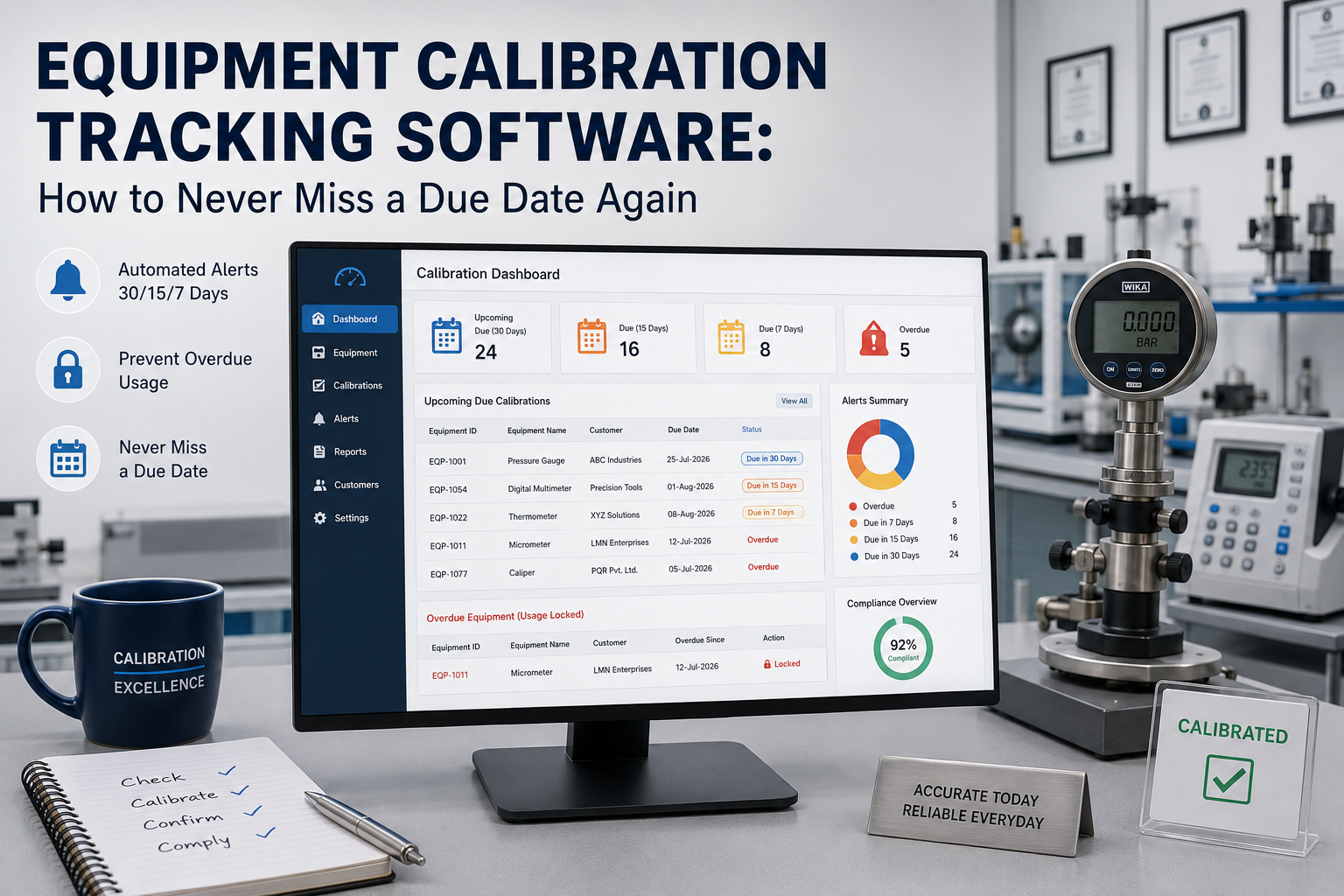
2 | Automatic Due-Date Calculation: Due dates are calculated the moment a calibration certificate is issued, based on the calibration interval configured for that instrument type — no manual entry required. |
3 | Multi-Level Alerts: Automated notifications fire at 30, 15, and 7 days before expiry — to the lab manager, the quality officer, and optionally the customer — by email or SMS, without anyone having to remember. |
4 | Usage Lock on Overdue Equipment: When an instrument's calibration has expired, the system blocks it from being assigned to a new job — a physical control, not just a visual warning. |
5 | Customer-Facing Due Date Visibility: Customers can log into a self-service portal and see exactly when their own instruments are due — turning a compliance task into a renewal opportunity. |
Internal Masters vs. Customer Equipment: Two Different Tracking Needs
Internal master and reference standards are the instruments your own engineers use to perform calibrations. If one of these lapses, it can silently invalidate every job performed with it — this is why usage locking matters most here. Customer-owned equipment is what your clients send in for calibration. Tracking their due dates is what drives repeat business — reminding a customer their pressure gauge is due in 30 days is a service, and a renewal booking, in one notification. |
The Real Cost of a Missed Due Date
|
How QuantumCals Equipment Tracking Works
QuantumCals combines internal master tracking and customer equipment tracking in one system, so nothing falls through the gap between the two:
|
5-Minute Equipment Tracking Health Check
- Can you instantly list every instrument due for calibration in the next 30 days, across all branches?
- Is there a system control — not just a policy — that stops an overdue master from being used on a job?
- Do your customers get automatic reminders before their instruments go overdue?
- Can you prove, with logs, exactly when an alert was sent and to whom?
If any answer is no, your lab is one busy week away from a missed due date.
Conclusion
A due date sitting quietly in a spreadsheet column is not a tracking system — it is a hope. Equipment calibration tracking software turns that hope into an enforced, automated control that protects your accreditation, your customers, and your revenue at the same time.
See how QuantumCals tracks every instrument in your lab automatically — book a free 30-minute demo today.