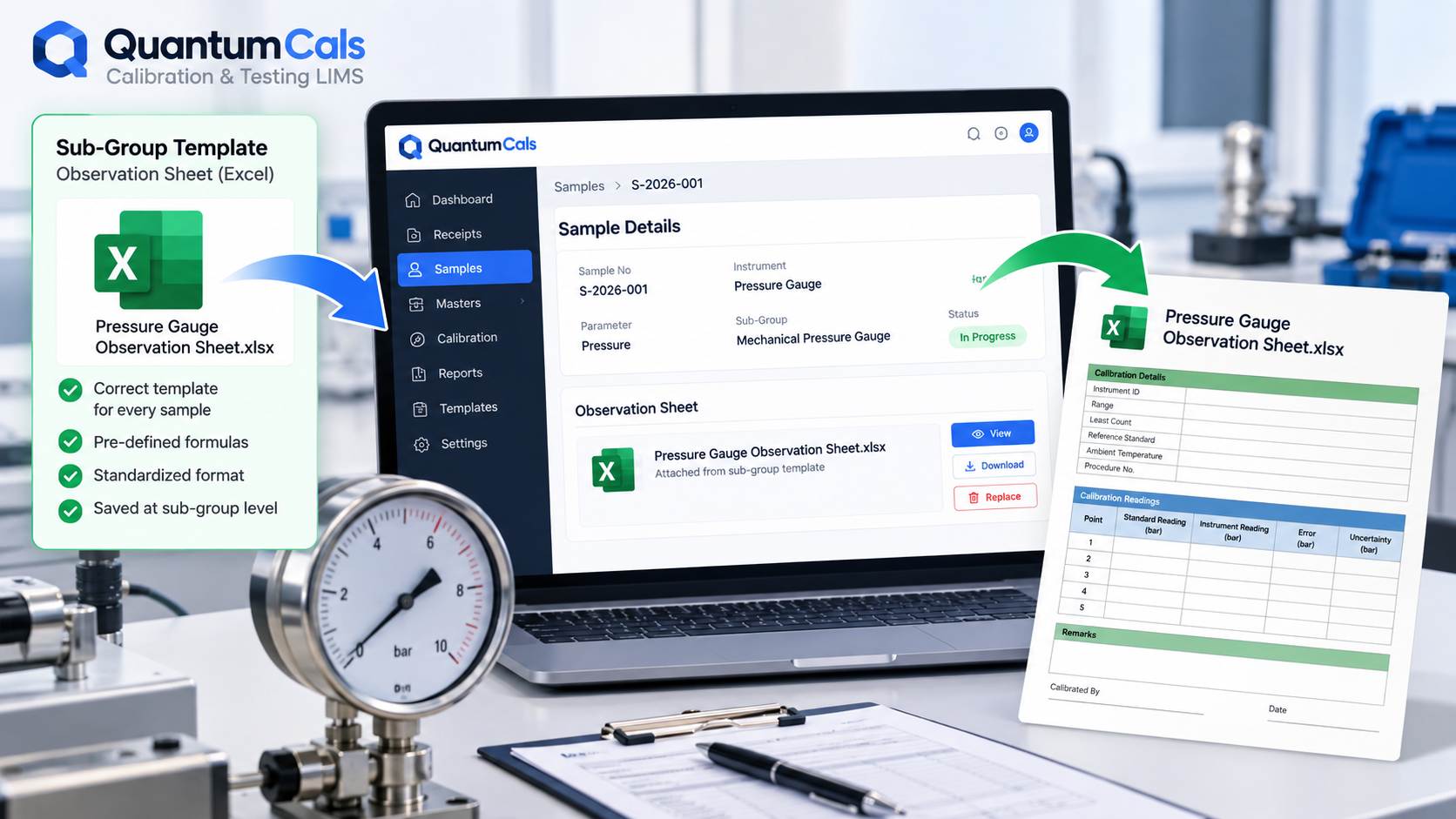
Every calibration discipline has its own observation sheet — the worksheet where an engineer records raw readings, reference values and calculations for a specific parameter. A pressure gauge calibration needs a different sheet from a torque wrench or a multimeter. When these templates live in a shared folder with inconsistent names, engineers end up hunting for the right version, or worse, starting from a blank sheet and rebuilding formulas that already existed.
Templates Live on the Sub-Group
In QuantumCals, the observation sheet template is attached at the sub-group level — the layer that defines a specific test parameter within a group. Every sample created from that sub-group starts with the correct template already linked, so an engineer never has to go looking for it.
Automatic Copy When a Sample Is Created
When a new sample is added without its own file, the system copies the sub-group's template sample file into the sample's own record automatically. The engineer opens the sample and the right worksheet is already there, scoped to that specific job.
Replacing or Viewing the File
If a sample needs its own version of the sheet — a one-off variation for a non-standard instrument, for example — the file can be viewed, removed and replaced directly from the sample record, without affecting the template every other sample continues to use.
Copying Sheets Between Disciplines
Occasionally a lab needs to bring in an observation sheet format from a different discipline's configuration into the sample currently being worked on. QuantumCals supports copying an observation sheet across from another dropdown-configured block directly into the open sample, so the lab is not limited to only what was pre-attached to the sub-group.
Carried Over When You Clone a Sample
When a sample is cloned — covered in our earlier look at the sample workflow — its observation sheet reference comes along with it, so a near-identical instrument does not need its worksheet re-attached by hand.
Why This Is Worth Getting Right
- Engineers spend less time locating the correct template and more time on the actual calibration.
- Formula and layout consistency across jobs of the same parameter reduces review time.
- A sample never silently ends up with the wrong discipline's worksheet attached.
Ready to see it in your lab? Book a free 30-minute demo with the QuantumCals team and walk through the workflow with your own receipts and samples.